Many students and professionals want to showcase their achievements online but struggle to choose the right ePortfolio platform or understand how to use WordPress effectively. Without proper training, they often waste time on trial-and-error and risk creating inaccessible sites.
My Solution
I designed and delivered a 45-minute Virtual Instructor-Led Training (VILT) to equip participants with the knowledge and hands-on skills to create their own ePortfolio using WordPress. The session combined:
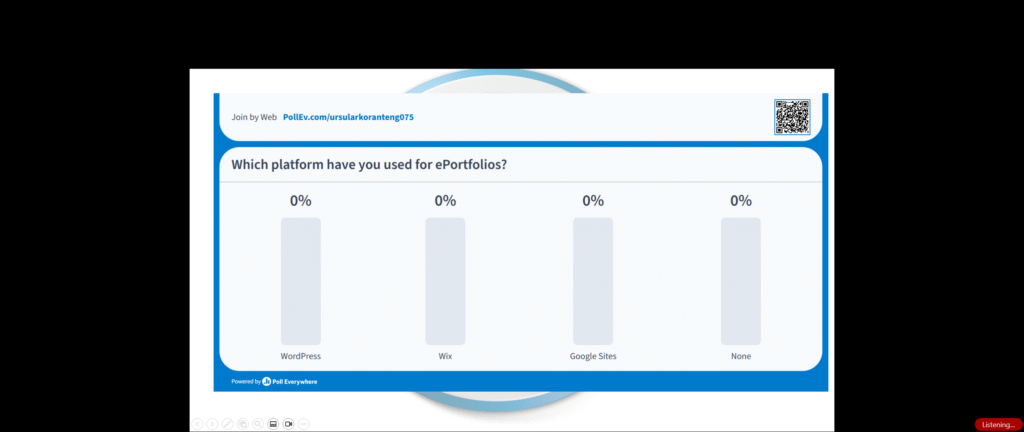
Interactive polls to assess prior experience.
Live demonstration of key WordPress features.
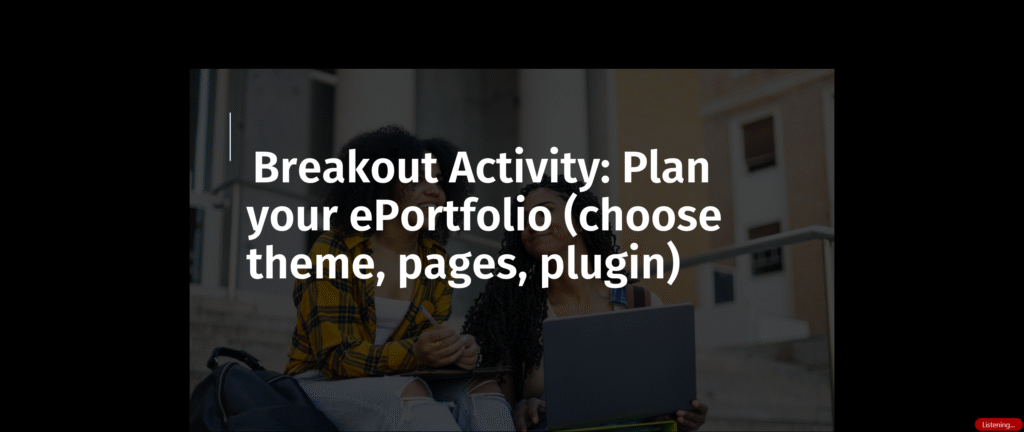
Guided breakout room activities to plan ePortfolio structure.
Knowledge checks and reflections to reinforce learning.
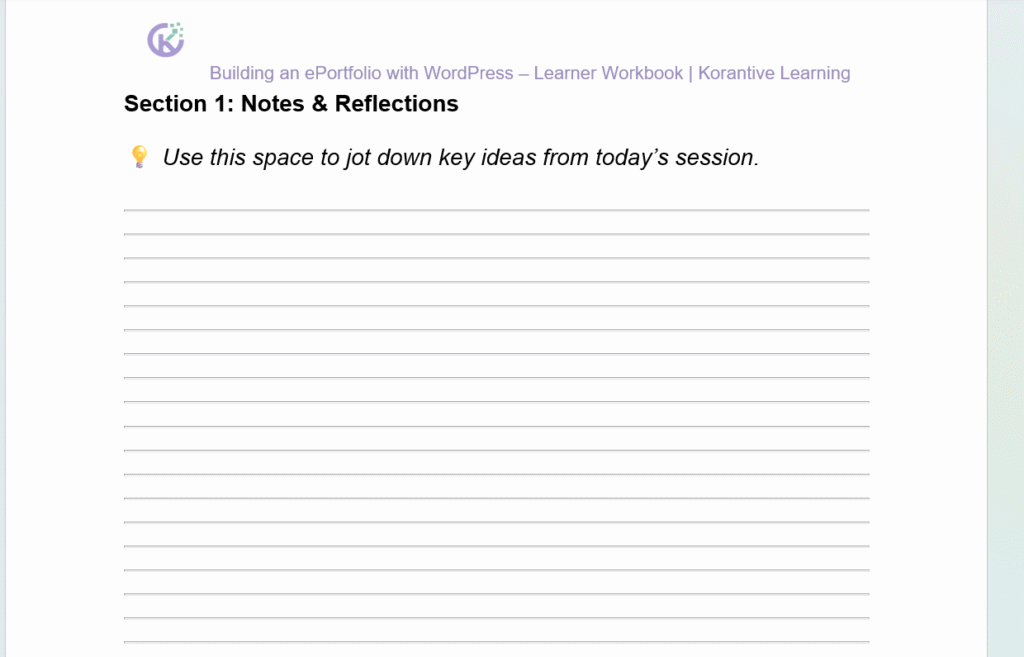
A learner workbook to support practice and future reference.
Target Audience
Primary Audience: University students and professionals creating digital ePortfolios.
Secondary Audience: Educators and trainers supporting learners with digital literacy.
Design Process
The training followed an Explain → Demonstrate → Practice → Reflect model:
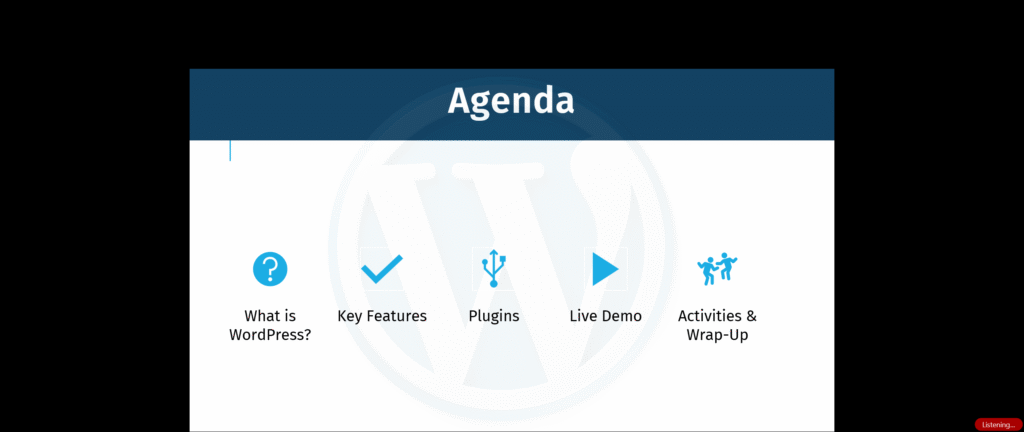
Facilitator Demo → What is WordPress? Key features, plugins, and live walkthrough.
Learner Practice → Breakout rooms with workbook tasks (plan theme, pages, plugin).
Group Review → Share drafts, discuss plugin choices, and address accessibility.
Designing for a Virtual Environment
Prepared learners in advance by providing workbook.
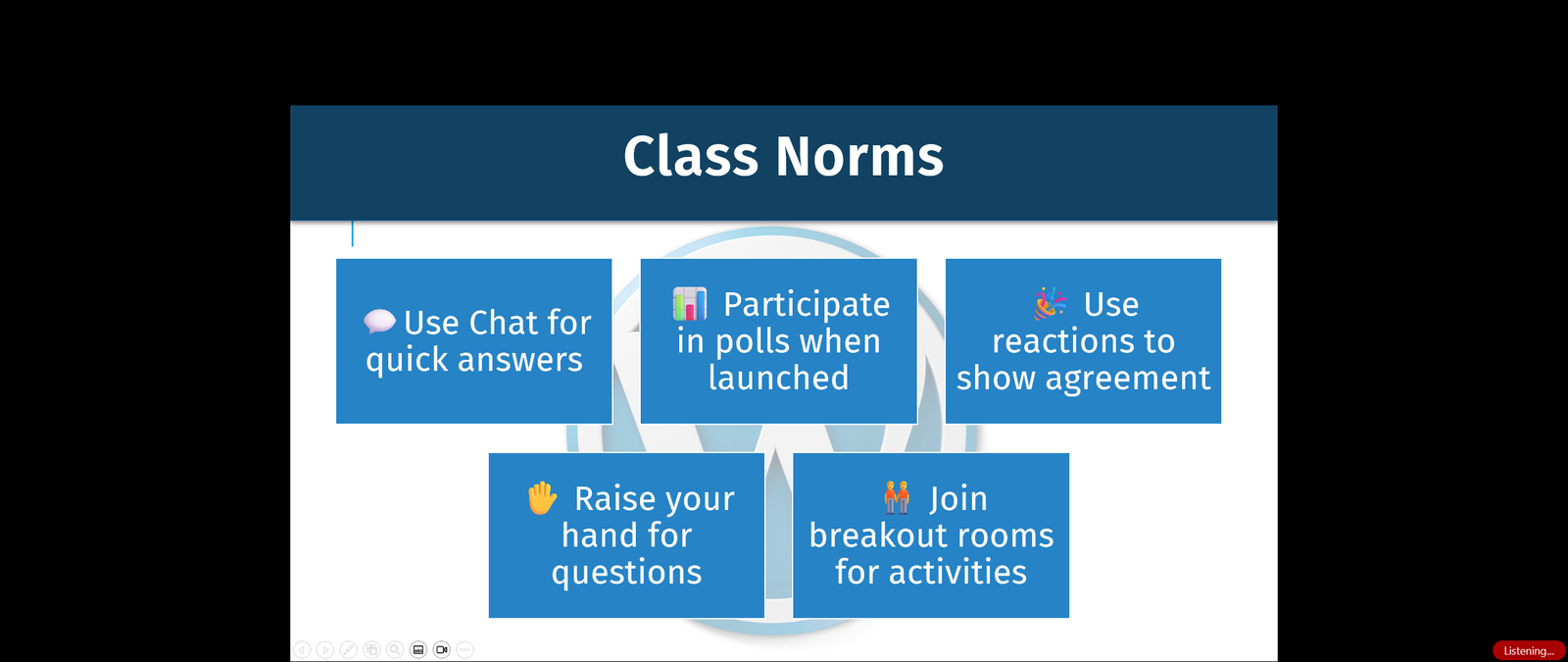
Maintained interaction using polls, reactions, and breakout discussions.
Ensured clarity with visual icons for “Watch” vs. “Do.”
Built accessibility into slides and workbook (color contrast, alt text, mobile responsive examples).